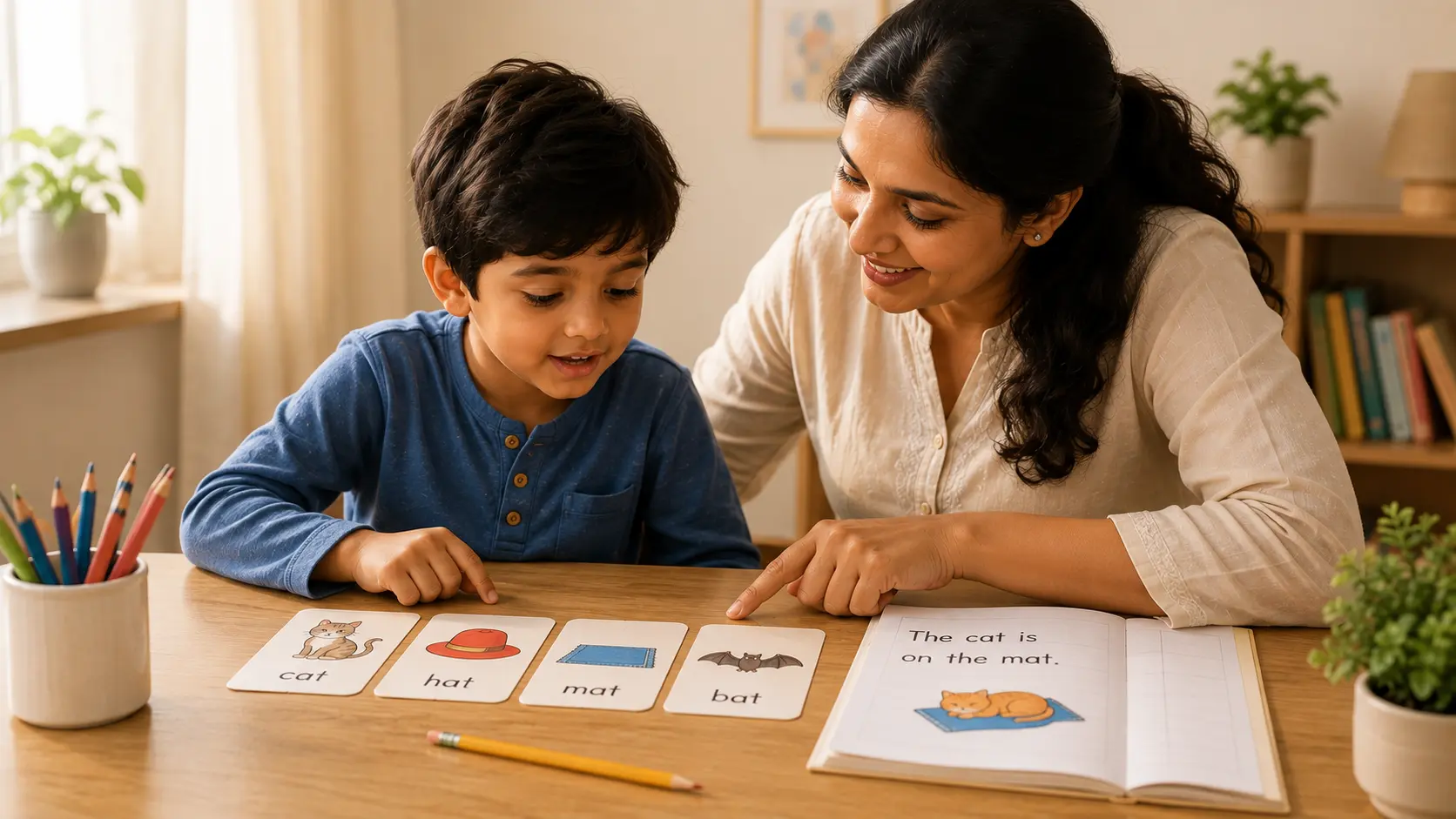
Quick answer: do not judge summer screens by minutes alone — judge what the child is doing and what the screen is replacing
A useful summer routine does not need to divide the day into “good offline time” and “bad screen time.” A digital activity can be useful when it has a clear learning purpose, makes the child respond or create, and leads back to reading, speaking, writing or another real task. A long passive stream can be poor use even if it is labelled educational.
The other half of the decision is **crowding out**. If media use repeatedly replaces sleep, movement, family conversation, independent reading, outdoor play or calm transitions, the routine needs adjustment even when some of the content is educational.
Tiny Steps uses an editorial screen-smart check for learning decisions: **Purpose → Participate → Transfer → Protect → Review**. Name the skill, make sure the child actively participates, test the skill away from the screen, protect the non-screen parts of the day that matter, then review whether the digital activity earned a place in the routine. This is not a medical screen-time prescription.
What “screen-smart” means in 2026: quality, design and displacement matter as well as time
The American Academy of Pediatrics’ 2026 digital-media policy deliberately moves beyond treating all screen exposure as one category. It describes a wider digital ecosystem in which content, design, child characteristics, family relationships and features that prolong engagement can all affect the experience. The AAP’s practical “5 Cs” framework asks families to consider Child, Content, Calm, Crowding Out and Communication.
For a summer learning plan, this means parents do not need to pretend that a live reading lesson, a short phonics activity, an endless autoplay feed and a family video call are equivalent simply because all use a screen. The better question is: **what is this media use doing for this child, and what is it displacing?**
This guide covers the screen-learning balance — not every English-learning problem
Use this page when the main parent problem is **how to balance digital English practice and the rest of summer life**. It helps decide when screens support learning and when they are becoming passive, distracting or too dominant.
If the real problem is that English practice itself causes resistance even without screens, use How to Keep Kids Engaged in English Practice at Home. If you are preparing specifically for school reopening, use the School Reopening English Readiness Checklist. If the main concern is classroom speaking after a break, use the Back-to-School English Confidence Plan.
The Tiny Steps screen-smart learning check: Purpose → Participate → Transfer → Protect → Review
Step 1 — Purpose: name the English skill before opening the app, video or game
“Educational” is too broad to be a learning goal. Decide whether the child is practising letter–sound knowledge, blending, connected reading, vocabulary, sentence construction, grammar transfer, listening comprehension or speaking. If you cannot name the target, it is difficult to tell whether the digital activity is helping.
Step 2 — Participate: the child should do more than watch or tap automatically
Useful digital practice asks the child to retrieve, choose, explain, read, say, build, write or correct something. A bright animation can hold attention without requiring much thinking. Pause videos, ask the child to predict or explain, and choose games where the response reflects the target skill rather than random clicking.
Step 3 — Transfer: take one example off the screen
After a digital phonics activity, read or build one fresh word. After a vocabulary video, use one new word in a sentence. After a grammar game, correct or create one new sentence without the interface. After a speaking prompt, answer a similar question to a person. The off-screen example is a simple parent check that the activity is supporting a skill rather than only familiarity with the app.
Step 4 — Protect: check what the screen is crowding out
Protect ordinary developmental and family needs: sleep routines, physical activity, outdoor time when available, meals, conversation, reading with or near another person, independent play and device-free transitions. The goal is not perfection; it is to notice when digital media repeatedly pushes those activities aside.
Step 5 — Review: keep, change or remove the activity based on what you observe
Keep a digital resource when the child can explain its purpose, participates meaningfully, transfers something away from the screen and can stop without the activity dominating the day. Change it when the level is wrong or prompts are doing too much. Remove it when it mainly prolongs viewing, causes repeated conflict or produces no useful learning response.
A screen-smart summer routine does not need one universal number of minutes
There is no single screen-time number in this article for all children aged 3–12. Developmental stage, media content, family routines, school demands, sleep, physical activity and the reason for using the device all matter. Current AAP guidance explicitly encourages families to look beyond duration alone.
There **is** age-specific health guidance for younger children. WHO guidance for children under five addresses sedentary screen time together with physical activity and sleep; for children aged 3–4 it recommends no more than one hour of sedentary screen time, with less being better. That recommendation should not be stretched into a universal rule for a 7-, 10- or 12-year-old.
For school-aged children and adolescents, WHO physical-activity guidance emphasises regular moderate-to-vigorous activity and limiting sedentary behaviour. A screen-smart learning plan should therefore protect movement rather than simply swapping leisure video time for many more hours of seated “educational” screen work.
Age-wise screen-smart learning guidance for 3–12 years
Ages 3–5: interaction around the screen matters more than independent device practice
- Prefer short, adult-supported activities tied to talking, songs, sound play, stories, pictures and movement.
- Use the screen as a prompt for interaction: pause, name, point, imitate, predict, retell and move.
- Protect substantial non-screen play, physical activity, shared reading and regular sleep routines.
- Avoid making independent autoplay the default way to keep a young child occupied for long stretches.
Ages 6–8: make digital practice serve the reading and sentence goal
- Choose a small number of apps or games that match what the child is currently learning rather than rotating through many “educational” resources.
- Follow phonics or reading games with one fresh word, sentence or short passage away from the game.
- Use digital reading support to increase successful practice, not to replace explicit teaching when decoding is still weak.
Ages 9–12: add digital independence without giving algorithms the whole routine
- Let the child help choose when and why a device is used for learning, then agree on a clear stopping point.
- Use digital tools to research, draft, practise vocabulary or record a spoken response, but require some explanation, writing or discussion afterwards.
- Discuss autoplay, notifications, recommendations and endless feeds as design features that compete for attention, not as personal failures of willpower.
Four types of screen use parents should separate
1. Live interactive learning
A live online class can include direct teacher feedback, questions, reading aloud, sentence production and conversation. Judge it by how actively the child participates and what the teacher can observe—not merely by the fact that it happens through a screen.
2. Purposeful practice tools
A phonics, grammar or vocabulary game can provide useful retrieval and repetition when it matches current teaching. It becomes weaker when the child succeeds through memorising interface patterns, guessing or rapid tapping rather than using the target English skill.
3. Creative or productive media use
Recording a short speech, making a digital story, typing a paragraph, creating slides or using a camera for a sound hunt can make the child produce language rather than only consume content. The product still needs an English goal; creation alone does not guarantee learning.
4. Passive or engagement-driven media
Long autoplay sessions, endless short-video feeds and content selected mainly by recommendations can keep attention without building the intended skill. The AAP’s 2026 policy specifically raises concern about engagement-based designs that encourage prolonged use and crowd out healthy behaviours.
How to turn one digital English activity into real learning
Use a simple **screen → talk → do → transfer** sequence. The exact length can change with age, attention and the task.
- **Screen:** complete one clearly targeted digital activity.
- **Talk:** ask the child to explain what they noticed or learned.
- **Do:** read, say, build or write one example without the interface.
- **Transfer:** try one fresh example in a book, conversation, notebook or real situation.
If the child cannot do the off-screen example, that is useful information. The app may be too scaffolded, the target may not be secure, or the child may need direct teaching before more digital practice.
Screen-smart phonics practice: the game should not become the strategy
For phonics, technology can increase opportunities to practise, but the transferable skill is still reading or spelling from sound–letter knowledge. If the child can pop the right letter or choose the right picture in a game but cannot blend a new printed word, the game performance is not yet evidence of independent decoding.
Use the letter-sounds-but-cannot-read diagnostic when that gap appears. The broader phonics pathway explains the structured teaching route.
Screen-smart grammar and writing: use the device to create language, not only select answers
Multiple-choice grammar activities can be useful for recognition and retrieval, but sentence control needs production. After a digital task, ask for one spoken sentence and one fresh written sentence using the same target. If the rule is remembered in the game but disappears in free use, use the grammar-transfer guide.
If the child struggles to build the sentence itself, use How to Improve Sentence Formation in Kids rather than adding more quiz screens.
Screen-smart speaking: the microphone is useful only if language leaves the device
Recording, video prompts and interactive classes can create useful speaking opportunities. Transfer matters here too. After recording a response, ask the child to say the idea again to a person with fewer prompts. For children returning to classroom routines, use the Back-to-School English Confidence Plan.
Tiny Steps digital games: practice resources, not a substitute for teaching or proof of mastery
Tiny Steps free games can be used as short practice resources when they match the child’s current target. They should not be treated as a complete English programme, a replacement for explicit instruction, or proof that a child has mastered a skill.
Parents can explore the free English games for kids, then use the same screen → talk → do → transfer check. For example, after a letter-sound game, ask for a fresh spoken or printed example away from the game.
What parents can protect instead of fighting about screens all day
- **Sleep:** create device boundaries around the family’s sleep routine rather than letting media extend bedtime.
- **Movement:** make physical activity and outdoor or active play a normal part of the day, not something a child must “earn” after study.
- **Reading:** keep access to print books, shared reading and independent reading alongside digital content.
- **Conversation:** protect meals, walks, travel or another regular period where family members can talk without competing media.
- **Boredom and independent play:** not every unstructured minute needs to be filled by an app, video or lesson.
- **Transitions:** agree on stopping cues before a highly engaging activity begins rather than negotiating only when it is time to switch off.
How to reduce conflict without turning English into the price of screen access
Avoid making every English task a toll the child must pay before leisure media. That can make learning itself feel like punishment. Instead, build a predictable family routine in which learning, play, movement, meals and media each have a place.
- Agree on the next activity and stopping cue before the screen session starts.
- Offer a small choice between equivalent English activities when possible.
- Use device settings such as turning off autoplay or unnecessary notifications when those features make stopping harder.
- Model some of the same boundaries as an adult during shared family periods.
- If a transition repeatedly causes conflict, change the environment or timing before assuming the child simply needs more discipline.
A flexible summer learning menu instead of a fixed 10-minute formula
Choose one or two useful blocks according to the child’s current need. A child does not need phonics, grammar, reading and speaking squeezed into every single day.
- **Reading block:** short connected reading + one meaning discussion.
- **Phonics block:** explicit sound/spelling or blending practice + one fresh word.
- **Sentence block:** build, expand or combine one sentence orally and/or in writing.
- **Speaking block:** answer, explain, retell or give an opinion to another person.
- **Digital practice block:** targeted app/game/video + off-screen transfer.
- **Movement/experience block:** walk, shop, cook, play or explore, then use English to describe or retell it.
For broader engagement planning, use the home English practice guide. The best summer routine is the one that is clear enough to repeat and flexible enough to match the child’s actual learning need.
When screen use is not the real problem
If the child resists only reading, only writing or only speaking—even when the task is offline—the first question should be whether that skill is too difficult, poorly matched or dependent on prompts. Reducing media alone will not fix a decoding, comprehension, sentence-formation or communication gap.
Use specialist routes when needed: reading fluency, reading comprehension, sentence formation, or speaking confidence diagnosis.
When families should ask for professional health guidance
This article provides educational routine guidance, not paediatric or mental-health advice. If media use is persistently interfering with sleep, physical activity, school functioning, mood, safety, family relationships or daily routines despite reasonable changes, discuss the pattern with an appropriate qualified health professional. For age-specific health recommendations, use current paediatric or public-health guidance rather than a generic internet screen-time rule.
Research sources and what they support
- American Academy of Pediatrics — Digital Ecosystems, Children, and Adolescents: Policy Statement (2026) — supports looking beyond screen minutes to child characteristics, digital design, healthy relationships, safety and whether media crowds out sleep, movement and learning.
- American Academy of Pediatrics — The 5 Cs of Media Use — provides the Child, Content, Calm, Crowding Out and Communication framework for family media conversations.
- AAP — Understanding the New Digital Media Guidelines — translates the 2026 policy into family actions including attention to design, relationships, sleep and offline alternatives.
- WHO — Guidelines on physical activity, sedentary behaviour and sleep for children under 5 — provides age-specific movement, sleep and sedentary screen guidance for children under five.
- WHO — Guidelines on physical activity and sedentary behaviour — supports protecting physical activity and limiting sedentary behaviour for children and adolescents.
- EEF — Using Digital Technology to Improve Learning — supports choosing technology for a specific teaching or learning purpose rather than assuming technology itself improves learning.
- EEF — Digital Technology Evidence Review — reviews conditions under which technology can support pedagogy, practice and assessment.
- EEF — Oral Language Interventions — supports purposeful speaking/listening interaction, modelling and scaffolding alongside literacy learning.
- EEF — Parental Engagement — supports practical, learning-linked family involvement rather than generic pressure to do more work at home.
- IES — Foundational Skills to Support Reading for Understanding — supports explicit foundational reading instruction and connected-text practice, useful for deciding what an early-reading app should transfer into.
- IES — Supporting Your Child’s Reading at Home — provides family-facing reading activities that can complement, rather than be replaced by, digital practice.
Parent guide: how to use this weekly plan in real life
Use this weekly post as a practical checklist, not a one-time read. Keep routines short, repeat the same target for 5-7 days, and track one visible win.
- Choose one daily slot and keep it fixed (same time, same place).
- Do 10-15 focused minutes only; stop while your child still feels successful.
- Use one correction script: "Let us try slowly, then fast."
- Send one weekly note to the teacher: what improved, what still needs support.
Research basis: why this weekly plan works
This weekly structure reflects evidence-aligned classroom practice used in early literacy and communication instruction: explicit teaching, short retrieval cycles, and repeated guided practice with feedback.
- Distributed practice beats cramming: short sessions across the week improve retention better than one long session.
- Retrieval and correction loops build fluency: recall first, then immediate gentle correction, then one successful retry.
- Clear success criteria improve motivation: children engage better when the goal is visible and achievable in one session.
Tiny Steps quality standard for this week
Every Tiny Steps weekly blog should give parents a usable routine, measurable progress signal, and practical fallback when the child gets stuck. Use this page as a field guide, not theory-only reading.
- One concrete routine parents can run in 10-15 minutes.
- One measurable checkpoint (accuracy, fluency, or confidence) by week-end.
- One rescue strategy for low-motivation days so consistency does not break.
Real-world action plan: reduce passive screens with a predictable summer rhythm
Parents get better cooperation when learning comes in short fixed blocks, followed by planned leisure screen time.
10-minute at-home routine (realistic for busy parents)
- Set one fixed 10-minute slot daily before passive screen use.
- Run a simple flow: phonics warm-up, short reading, one grammar task, one speaking recap.
- Use a visible tracker for 5 days each week and celebrate consistency, not perfection.
If your child gets stuck
If resistance is high, cut to a 5-minute minimum for two days, then return to the full 10-minute flow once cooperation improves.
End-of-week success signs
- Child transitions to screen time with fewer daily arguments.
- Child maintains reading and language practice during summer break.
- Parent follows a repeatable routine without decision fatigue.
Parents also ask this week
- Should I ban all screens to reset habits? No, replace passive time gradually with structured active blocks.
- What if both parents are busy? Keep one non-negotiable 10-minute learning touchpoint and protect it daily.
Keep the next step practical
This page is for practice and parent support, so no programme or assessment step is required. use the Parents Hub for balanced home-learning routines.